Level
A bubble level for flat surfaces and edges, in whole degrees or tenths.
Coming to the App Store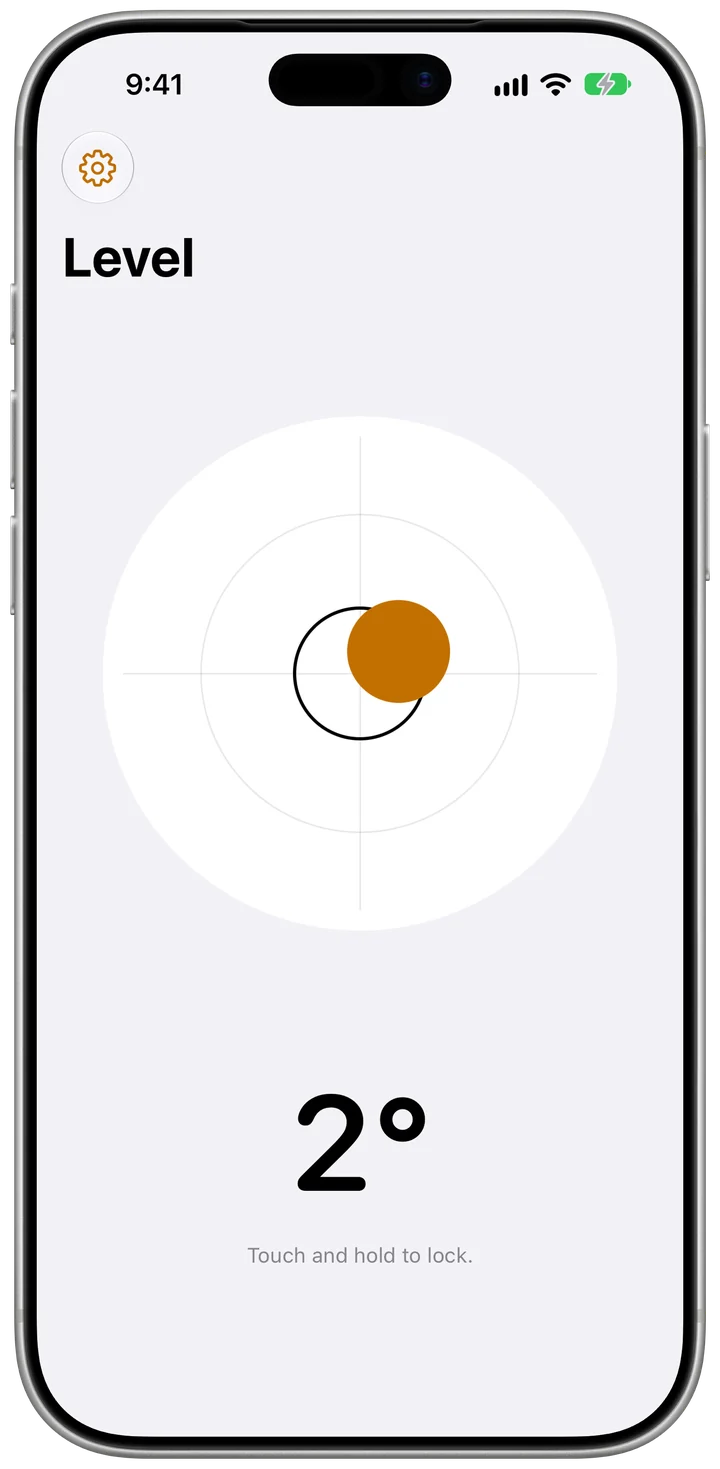
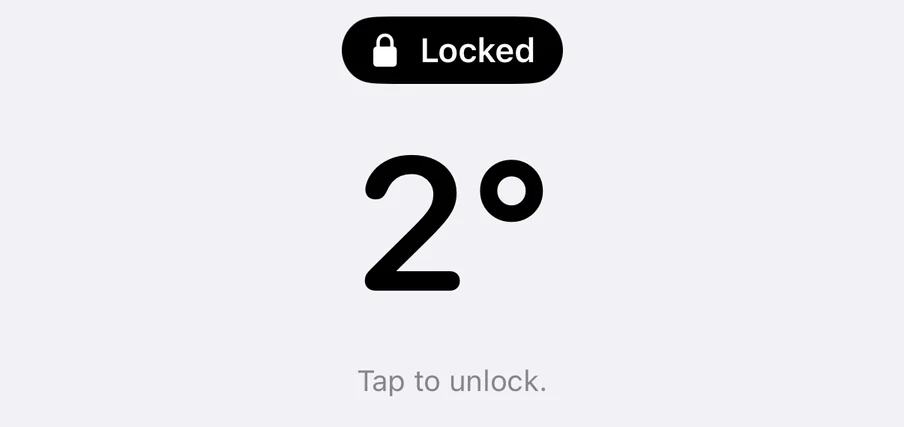
Hold to lock a reading
Touch and hold to keep the number on screen while you mark the wall. Tap to let it go.
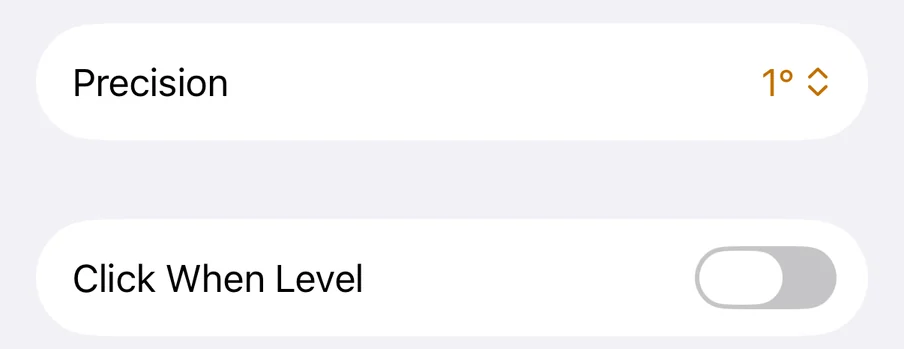
Whole degrees or tenths
Choose how precise the reading is, and turn on a click for when it reaches level. The click doesn't play in Silent Mode.
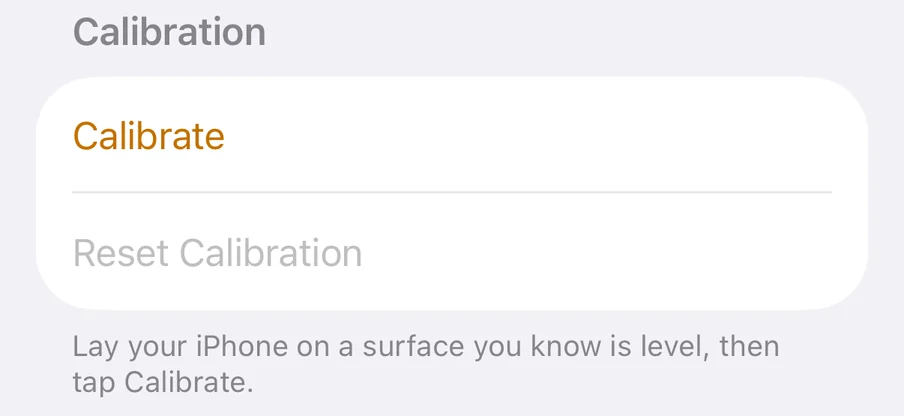
Calibrate on a surface you trust
If a case or a camera bump throws the reading off, lay your iPhone on something you know is level and tap Calibrate.
Lay your iPhone flat to see the bubble, or stand it on an edge to measure that edge. Apple's Measure app has a level too; this one opens straight to the reading and can hold it while you mark the wall.
Free. No ads, no subscriptions, no account.
If you want to leave a tip, there’s a tip jar in Settings. Every feature works whether you do or not.
Questions
If something isn’t working in Level, or you have a question, email me at kevin@silicroncode.com.
 Countdown
 Water
 Convert
 Plants
 Spinner
 Metronome